
Login and Logout
To operate Administration Console, you must login to the System. After the operations in Administration Console are finished, one should perform the logout operation.
User Login
To perform the login operation. Please enter the username and password and click on the "Login" button.
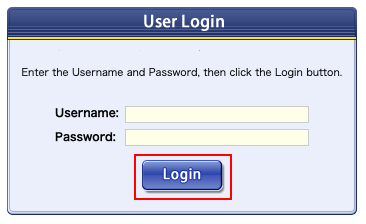
- User name:
- Username or email address registered in Administration Console.
- Password:
- Password for the user set in Administration Console.
Logout
After the operations in Administration Console are finished, click on "Logout" in the menu. When logout is completed, the login screen is displayed.

Note
After logged in to Administration Console and user does not perform any operations for an hour, then user will be loggged out automatically.