
Logs
Display various logs such as the operations in Administration Console, messages output by the system, etc.
Basically, all the operations on Administration Console are recorded.
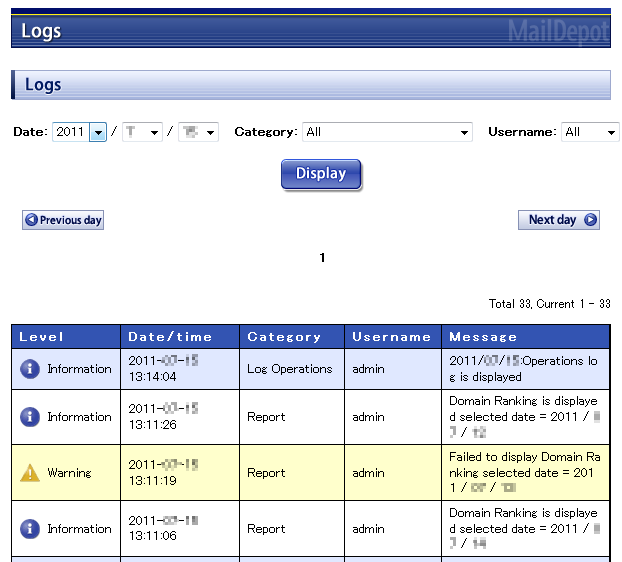
By specifying conditions like "Date", "Section" and "User name", log entries can be narrowed down, and the required log entries can be displayed by clicking on the [Display] button.
By clicking on the [Previous day] button, the previous day's log gets displayed and the [Next day] button gives the next day's log.
The meaning of the each item is as follows.
| Level |
|
|---|---|
| Date/time | Date and time when the log was recorded. |
| Section | Name of the function which produced the log. |
| User name | User name who was operating Administration Console. Logs such as System log, etc. are not displayed if there is no user operating the System. |
| Message | Contents of the log. |